

Phone assisted antenna alignment for wireless links
Setting antenna direction, adjusting elevation and checking positions with the remote site are key tasks when commissioning a wireless link. BodaCOM Microwave Antenna Calibration Tool combines position setup, link calculations and alignment guidance on a phone, giving installers and maintenance teams a visual reference.
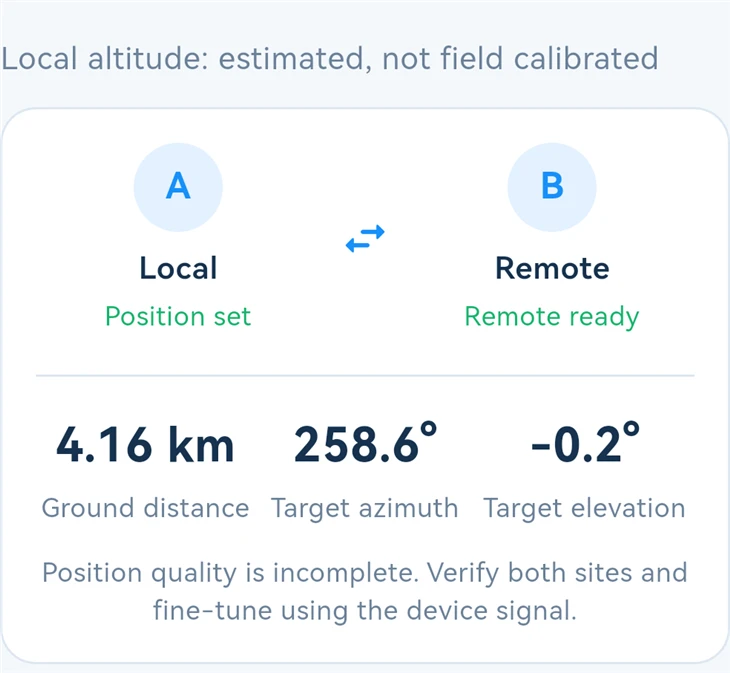
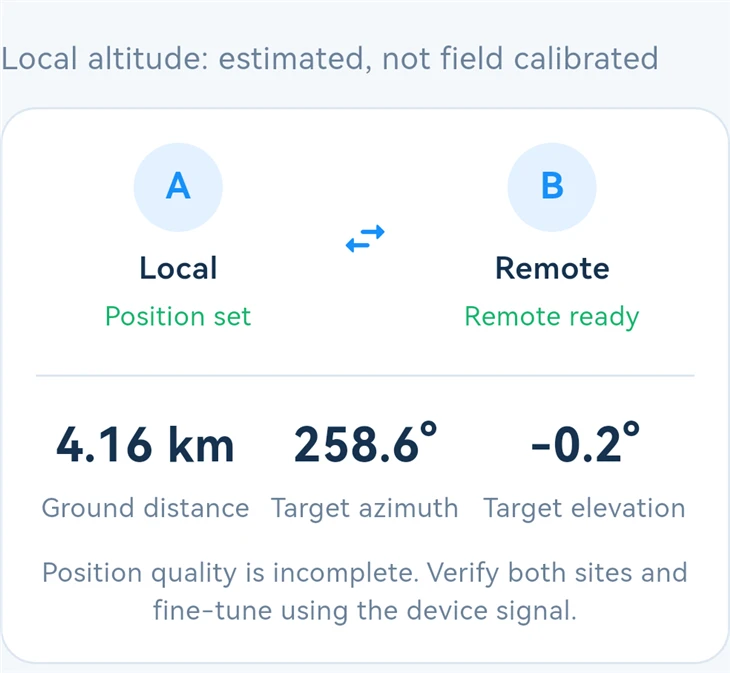
Once both site positions are confirmed, the app displays ground distance, target azimuth and target elevation, then guides users through two alignment steps. Core position acquisition, calculations, alignment and record functions work offline.
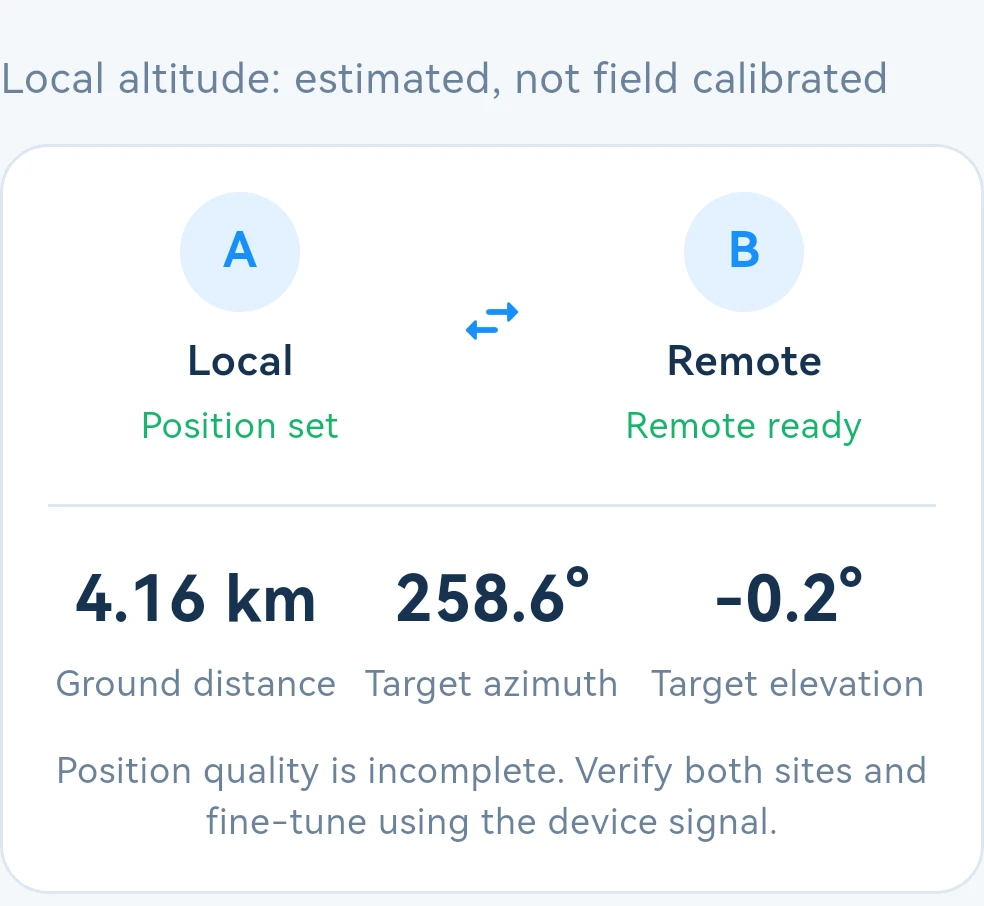
Live app screenshot of the link overview Distance and target angles together
Check the target direction before adjusting the antenna
Start in Current link, set the local position and obtain the remote device code to view the link targets. Position and altitude status are also shown for review before adjustment.
01 Exchange codes and establish link targets
Acquire the local position automatically or enter it manually. The app includes antenna mounting height to generate a BDX device code. The other end can obtain the position by scanning, pasting or typing the code, reducing the need to relay coordinates and altitude separately.
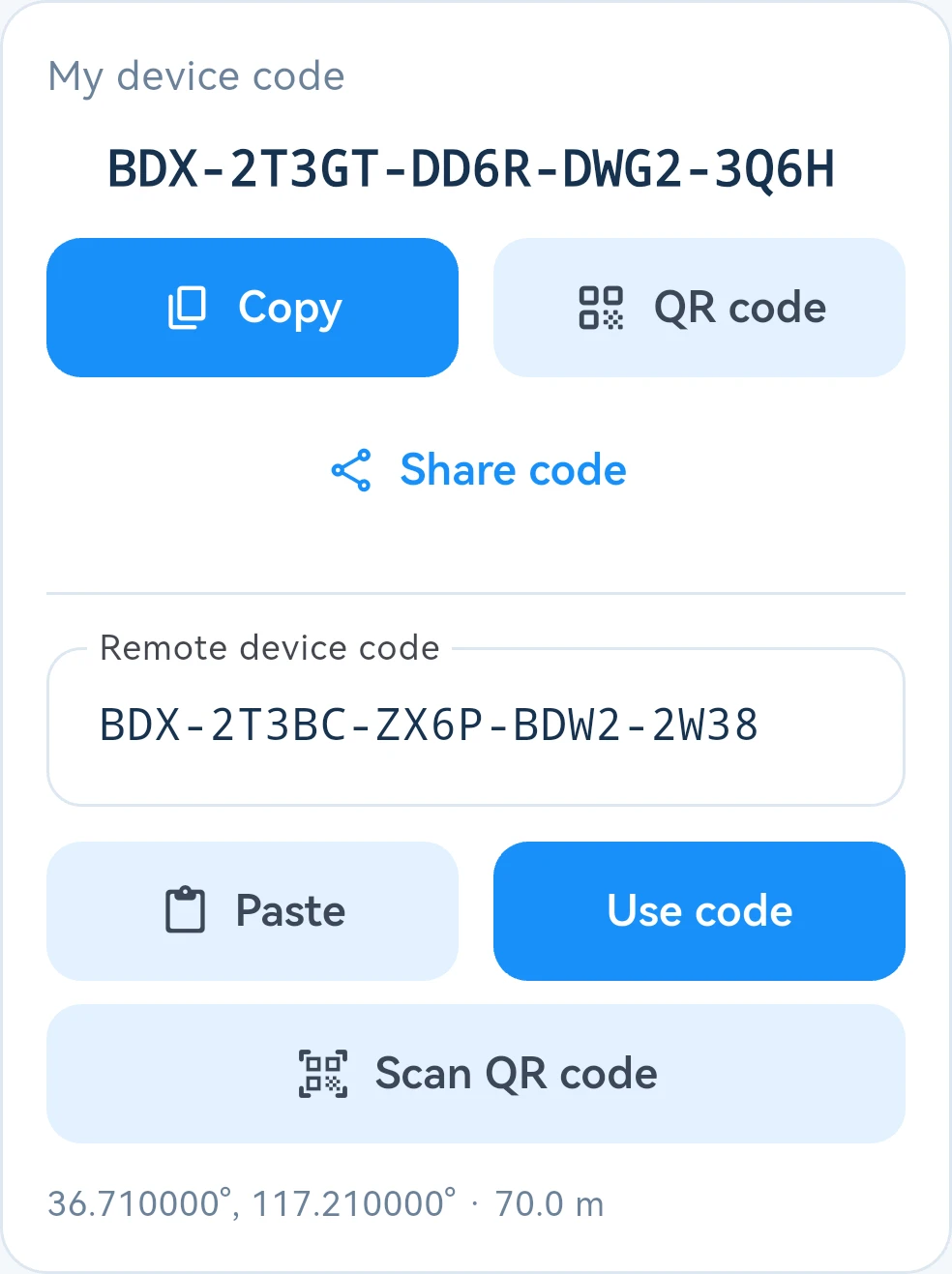
Live app screenshot of code exchange Copy paste QR codes and system sharing
Positions define the targets. The app uses both site positions to calculate ground distance, target azimuth relative to true north and target elevation for alignment.
Altitude can be checked. Automatically estimated altitude is clearly labeled. Users can check it against known data or correct it manually. Review the link targets after changing a position or mounting height.
02 Adjust azimuth then elevation
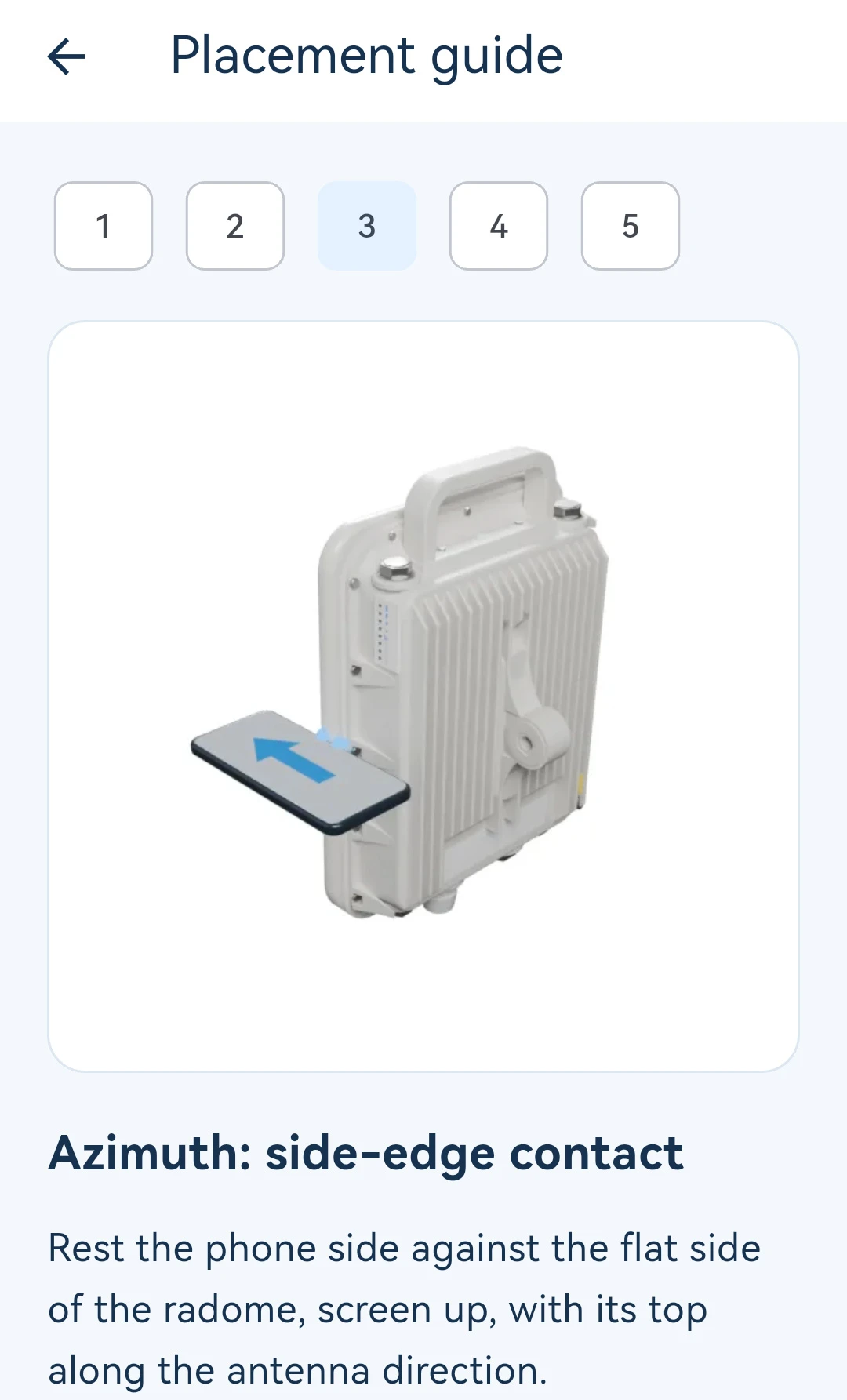
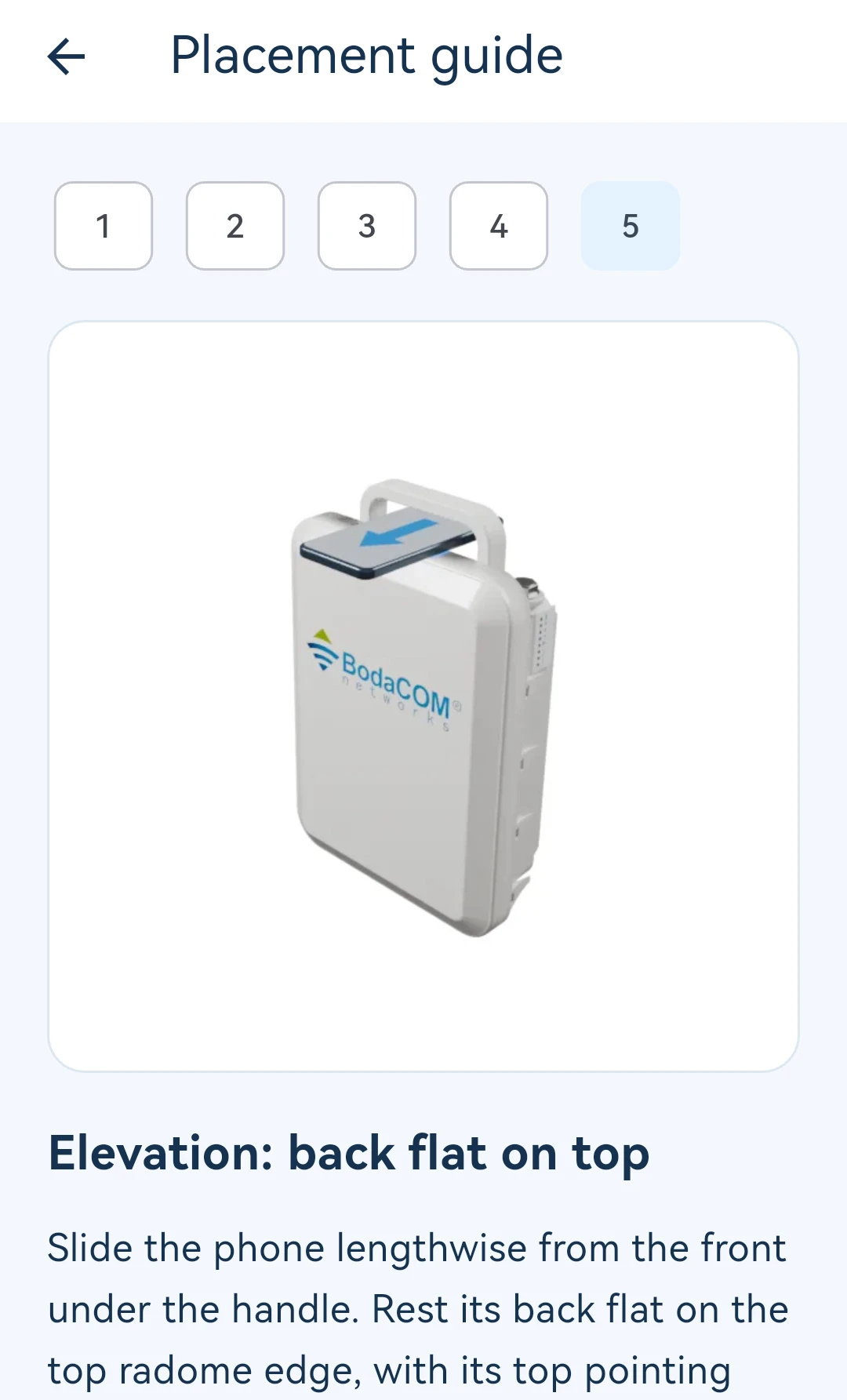
Phone placement directly affects the alignment reference. Built-in visual guides explain the azimuth and elevation placements separately, helping field personnel check the phone's position relative to the antenna before adjusting it.
 |
 |
Azimuth: Depending on the device structure, rest the phone's side against the radome side or place its top edge against the backplate label area. Follow the on-screen guidance to adjust the horizontal direction.
Elevation: After completing azimuth alignment, change placement as shown, resting the phone's back flat on the top edge of the radome, then align elevation.
Before starting, move away from metal and interference and acquire a reference in a suitable environment. The app shows the current step and status, indicating when to start and when a new reference is needed.
03 Read the offset and follow the guidance
The live alignment page brings together the target, current reading and adjustment direction. An azimuth compass and elevation dial serve the two steps. The fine adjustment scale changes range automatically with the offset, supporting the move from coarse to fine adjustment.
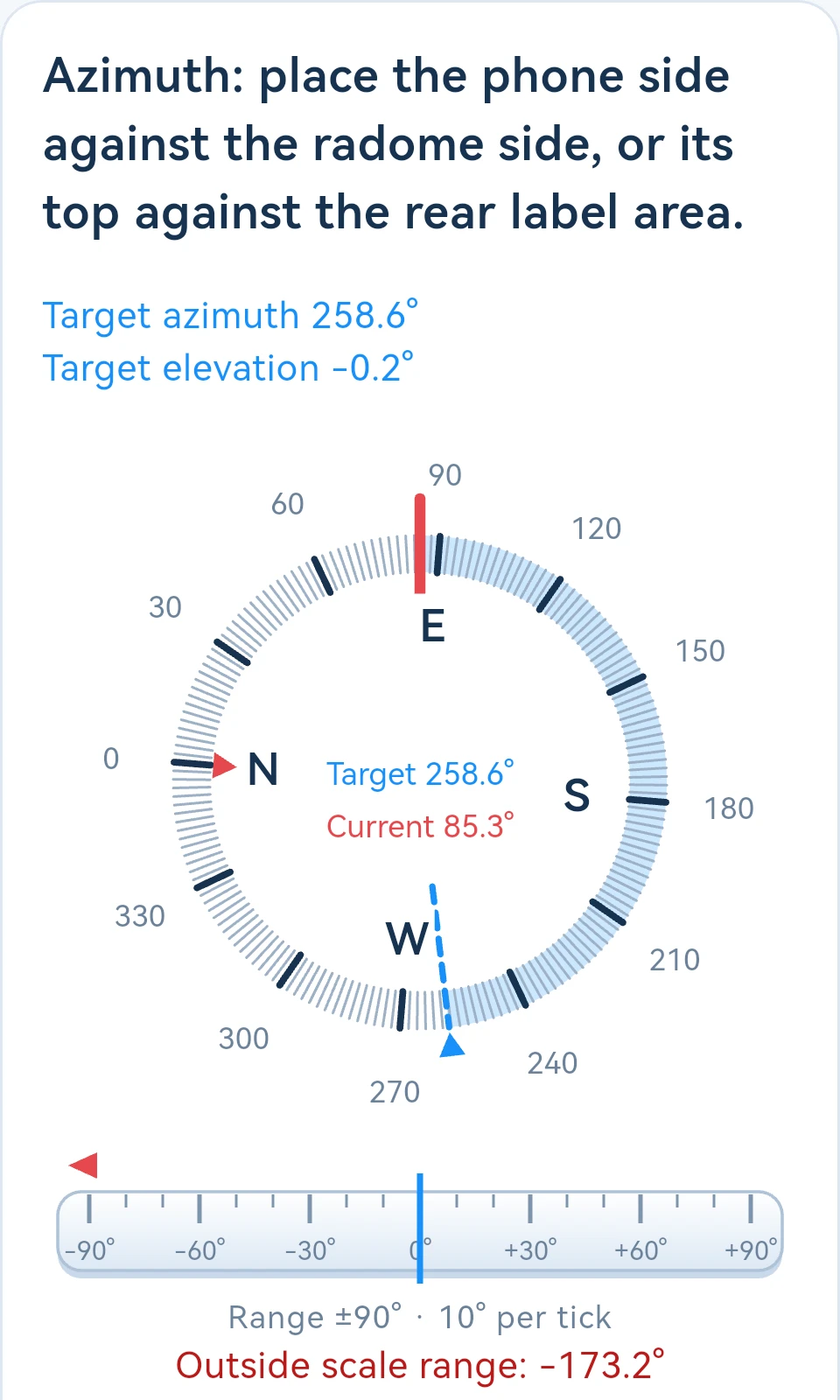
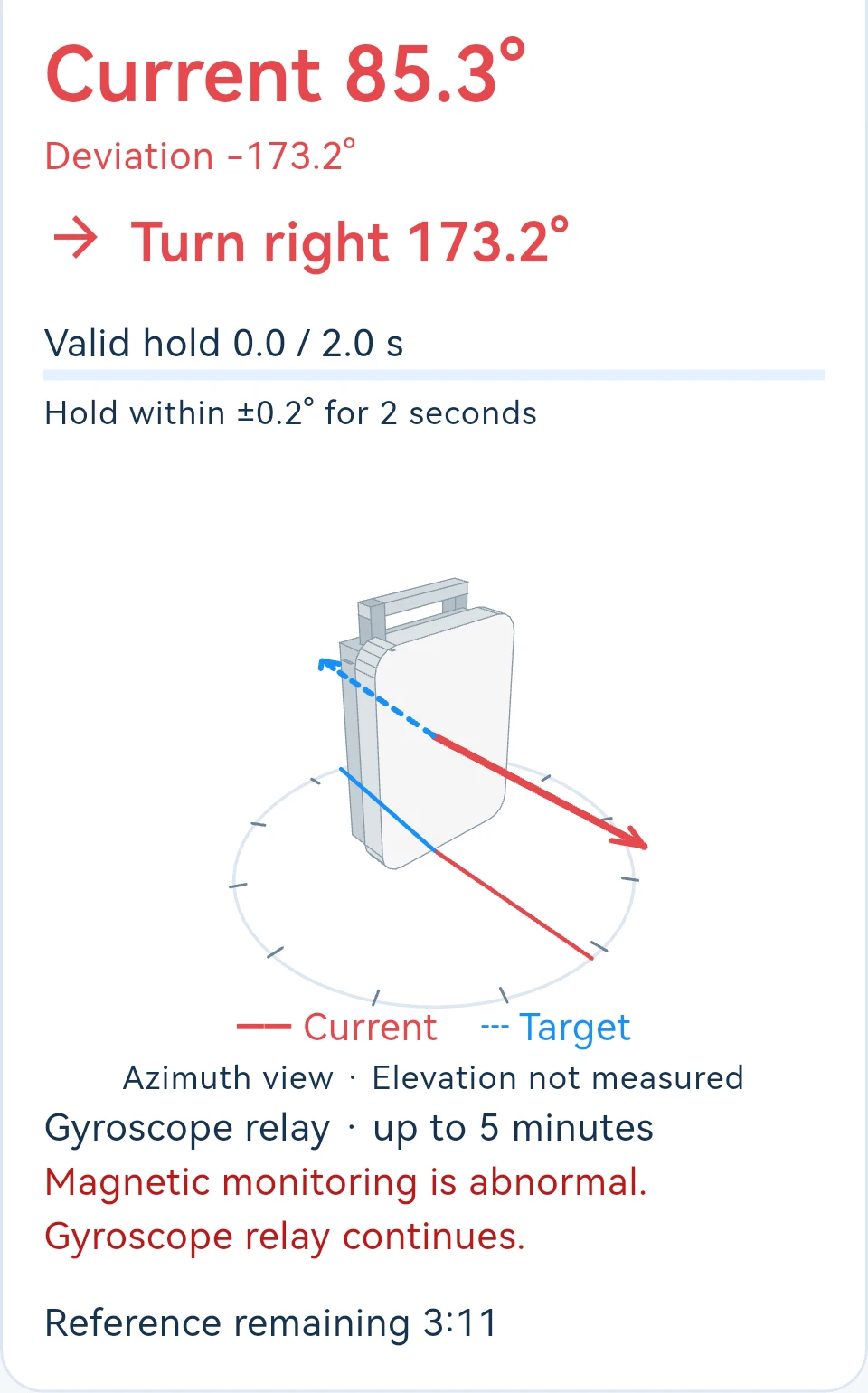
Live alignment screenshots Compass and fine scale on the left Offset and 3D azimuth view on the right
Compare target and current directions visually. The 3D device view helps explain their relationship. Prompts such as Turn left help users decide what to do next.
Status guidance throughout alignment. The screen shows valid hold progress and remaining reference time. It prompts users to restart the relevant operation when the reference expires or attitude data is unavailable.
The illustrated requirement to hold within ±0.2° for 2 seconds is the app's completion criterion, not a claim of measurement accuracy. Confirm the final result in light of position quality, magnetic conditions, phone placement and device signal performance.
04 Sound and records for field work
Proximity beeps, spoken guidance and lock vibration can be set independently. Users can choose feedback to suit field practice and follow screen, sound and vibration cues during operation. Sound and vibration follow the phone's system mode.
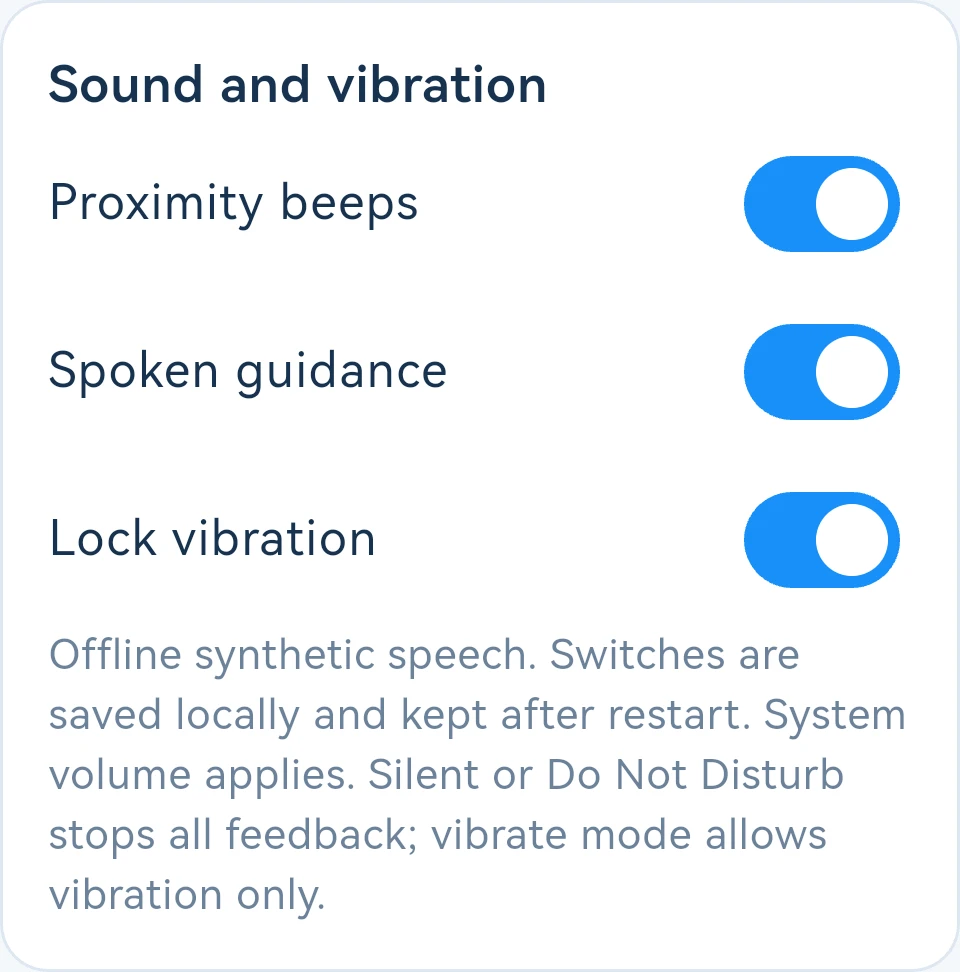
Live app screenshot of feedback settings Three independent switches saved locally
Save on completion and recall for retesting
After both alignment steps, save the result as a local record, view its details and rename it. For later maintenance, recall the record's inputs for both sites, recalculate the targets and take a new reference before retesting, so work on the same link can continue.
Offline operation with Chinese and English interfaces
The app offers Chinese and English interfaces. Positions, calculations and records stay on the phone, and core operations need no network connection. Users can copy device codes, display QR codes or use system sharing to send them to the other end.
Usage note: This app assists antenna direction and elevation adjustment. Check both site positions and altitudes, follow the phone placement guide, and use the wireless device's signal indicators for final fine-tuning.
Hot Tags: bodacom microwave antenna calibration tool, China bodacom microwave antenna calibration tool manufacturers, suppliers, factory


